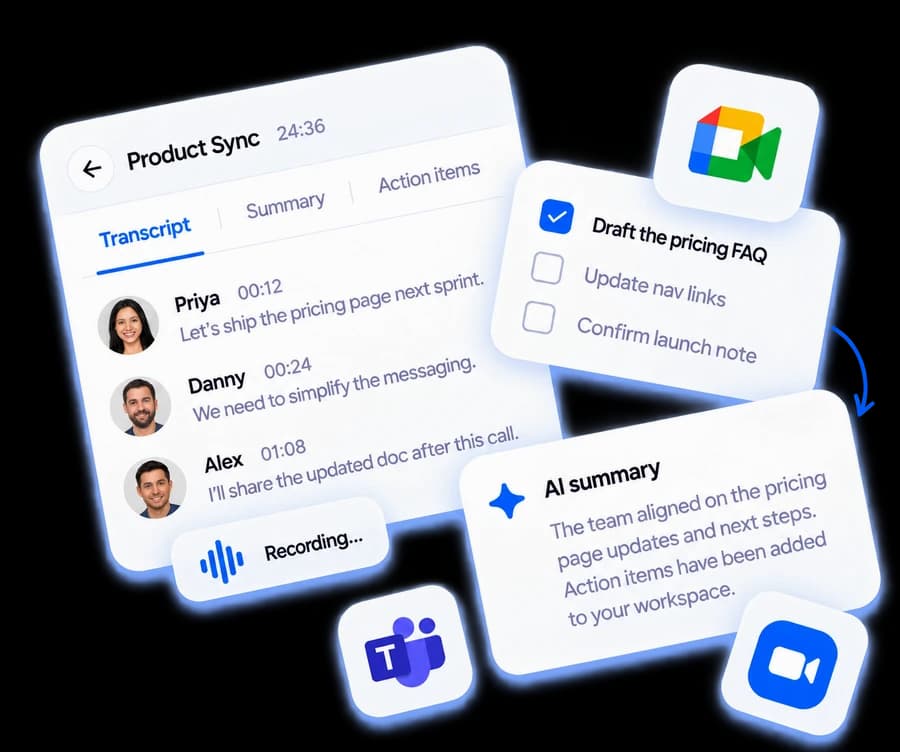
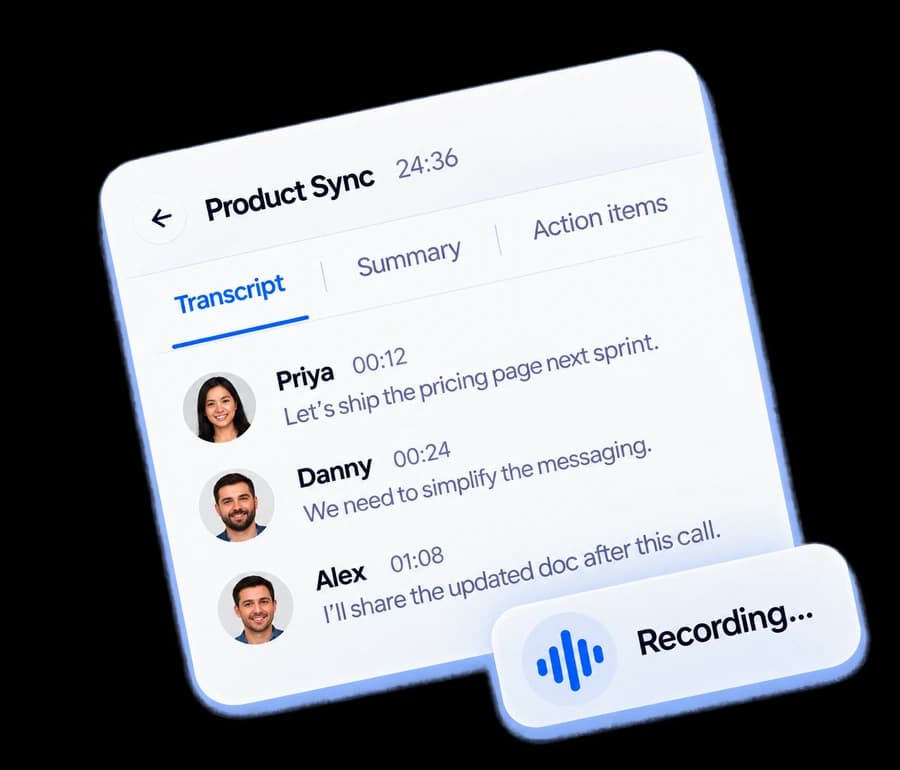
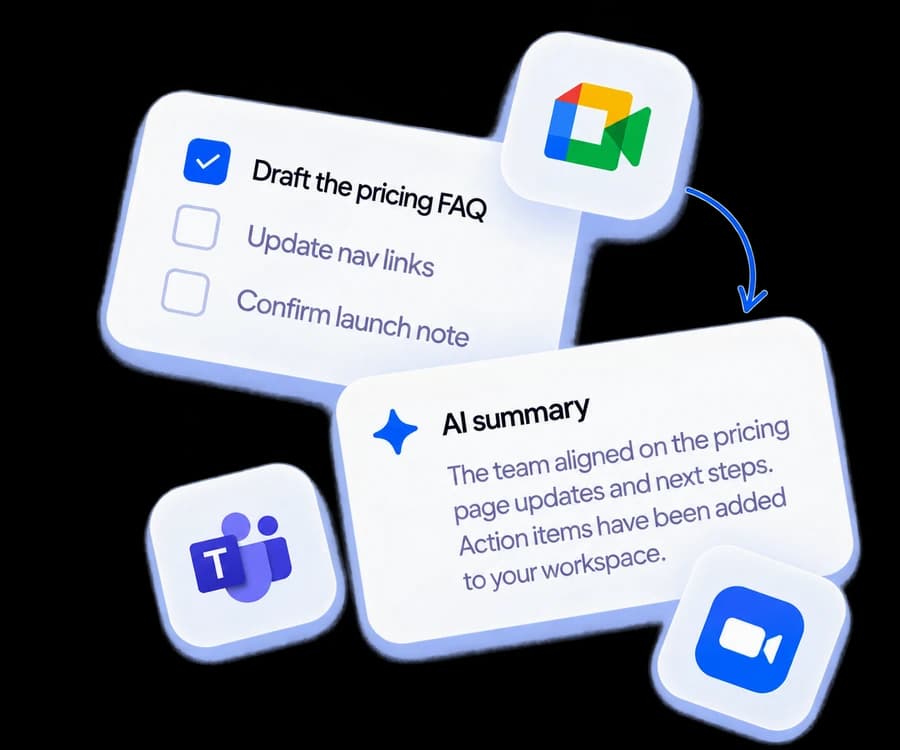
Scripta turns every meeting into action.
Scripta writes the minutes and proposes the decisions and action items from what was actually said. You review every one before it is filed.
Record from your browser or bring any transcript. Nothing of Scripta’s ever joins your call.
Record anything
From your browser, or bring any transcript.
Minutes & summary
Clean minutes written from what was actually said.
Action items
Commitments with owners and dates, proposed for you to review.
Decisions with reasons
Every decision kept with the line it came from.
The meeting went fine. It’s the week after that falls apart.
Three ways the work a meeting creates goes missing, and what it looks like when it doesn’t.
“The write-up never gets done.” The meeting ends and the record already exists. What was decided, who owes what, by when. Nobody spends their evening reconstructing it, and nobody is chased for notes that never come.
“We decided this three weeks ago. Why are we deciding it again?” Every decision keeps its reasoning and its date, findable in seconds. The argument that was settled stays settled, and when someone asks why, the answer is one search away instead of one meeting away.
“Everyone agreed. Then nothing happened.” Commitments leave the room with an owner and a date, and you can see at a glance which decisions actually got done, and which quietly stalled, without asking anyone to fill in a status report.
Points in, minutes out. Write dashes and fragments. Scripta rewrites them into clean minutes that say only what you wrote.
Decisions with receipts. Every decision keeps its reasoning and the line it came from.
Ask across meetings. The Scripta AI Agent answers with checked quotes, never on trust.
Built for every team
Product & engineering
Keep specs, decisions and follow-ups attached to the meeting that produced them.
Startups
Move fast without losing the “why” behind last month’s call.
Agencies
Give every client a shared workspace instead of a recap email.
Sales
Turn discovery calls into next steps, owners and dates you can chase.
Consultants
Deliver organized documentation and action plans as part of the engagement.
Operations
Clear accountability on every recurring meeting.
Your meetings are your data
Built so your conversations stay in your workspace. Claims here are limited to what is actually implemented. No compliance badges we don’t hold.
Encrypted in transit and at rest. Standard on every workspace, with no configuration needed.
Role-based access control. Admins, editors, commenters and viewers: enforced by row-level policies in the database itself, not just in the app layer.
Delete means deleted. Remove a workspace and its meetings, decisions, tasks and files go with it.
Questions worth asking first
Does Scripta record my meetings?
Can I collaborate with clients or people outside my company?
How accurate are the AI-generated action items?
What can I export?
What happens to my data?
What is the Follow-Through Matrix?
Do I need to change how my team already meets?
Unlimited meetings, free, and they never expire.
Keep every meeting you run. The free plan writes two of them up with AI each month; upgrade when you want more.
No credit card required.