Stop sending meeting recaps as attachments
The meeting summary is in one file, the promised document is in another, and the questions arrive in a third place. The recipient is left to assemble the meeting for themselves.
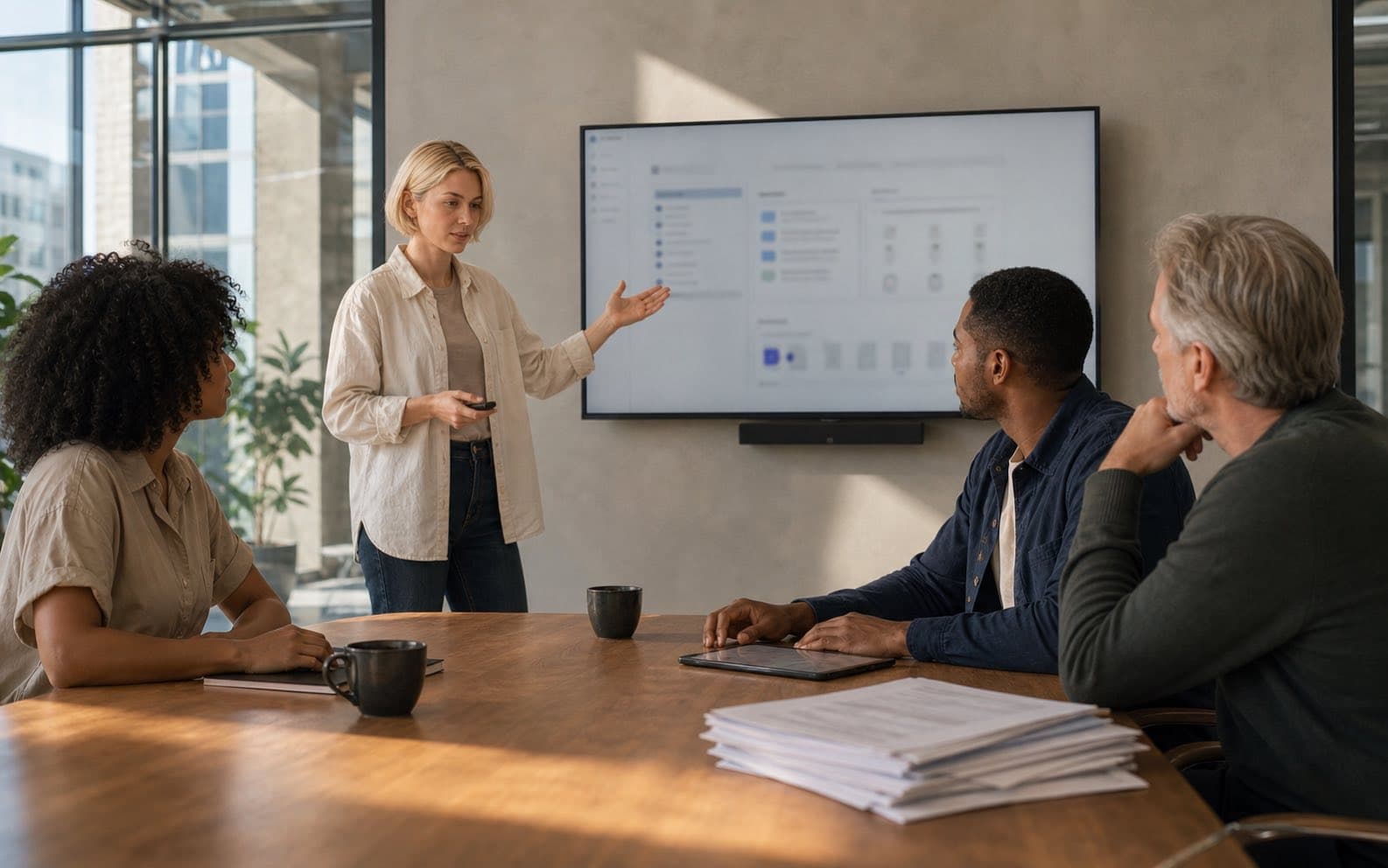
After a meeting, a familiar package begins to form.
The summary goes into a document. The task list moves into a project tool. The presentation is uploaded to a drive. Follow-up questions arrive in Slack or email. Then somebody sends a recap containing several links and hopes the recipient can work out which one is current.
Every piece may be correct. The problem is that the meeting no longer exists as one coherent record.
An attachment is a snapshot. Follow-up is a moving system.
A recap freezes too early
Suppose a client meeting ends at 3 p.m. The account lead sends a PDF summary at 3:30. At 4:00, the delivery date changes. At 4:20, the client asks a useful question. The next morning, the team attaches a revised specification.
Which object is now the meeting record?
The original recap is still sitting in several inboxes, but it no longer contains the full outcome. A second recap creates another version. Replying to the email keeps the conversation visible but leaves the action item and file somewhere else.
This is not a writing problem. No amount of recap quality can make a static attachment remain synchronized with work that continues after it was sent.
Run a simple drift check before sending a recap: where will the recipient see a changed date, a new answer or a replacement file tomorrow? If the answer is “in another message,” the recap is already becoming a second source of truth.
Use this test: if the first recipient cannot see what changed after the recap was sent, the attachment is not the meeting record.
Share a place, not a package
A live meeting record gives the recipient one stable location for the outcome.
That location can hold:
- the summary and decisions;
- action items with owners and dates;
- files promised during the meeting;
- follow-up comments and replies;
- the current state of the work.
The recipient does not need to remember whether the latest answer arrived in email or chat. They return to the same link.
This is the reason Scripta brings minutes, tasks, files and comments together. The value is not merely fewer browser tabs. Each piece retains the meeting context that explains why it exists.
Choose one stable meeting link as the destination for follow-up. Use email or chat to notify people, but point every notification back to that same record.
One meeting, one controlled link. The owner can see who received it, what they may do, whether it was accessed and whether the link remains active.
External access should be deliberate
“One shared workspace” does not mean everybody sees everything.
An external client may need to read the minutes and download an approved file without seeing internal working notes. A partner may need to comment but not edit the record. An adviser may only need a temporary view of one meeting.
The sharing boundary should therefore be explicit:
- Which meeting is being shared?
- Can the recipient only view, or can they comment?
- Can they open the attached files?
- How is access protected?
- Can the owner revoke the link later?
Scripta's meeting sharing is scoped around the specific record, with access controlled by the owner. That makes a shared link more useful than an attachment without turning it into a doorway to the whole internal workspace.
Before sharing, decide four things: the meeting, the recipient, the permission and when access should end. Do not use workspace-wide access to solve a one-meeting collaboration problem.
Choose the narrowest useful access: the specific meeting, the permission the recipient needs, passcode protection, and a link the owner can revoke.
Keep the conversation beside the evidence
A follow-up question is easiest to answer when the source material is still visible.
If a client asks why the launch date moved, the useful response may depend on the decision reasoning, an attached plan and the owner of the next step. In a separate chat, the responder has to find and restate that context. In the meeting workspace, the question sits beside it.
This also improves the record for the next person. They can see not only what was originally agreed but how the understanding changed afterward.
The alternative is a trail of increasingly complete recaps, each trying to summarize all the messages that followed the previous recap.
One link should remain trustworthy
“One link” is only valuable if it points to the current record.
That means decisions are updated rather than contradicted in another file. Completed tasks show their state. New files appear beside the meeting. Comments remain readable as a thread. When access should end, the owner can revoke it.
The goal is not to eliminate email or chat. They are useful ways to notify people. The goal is to stop making the notification carry the entire meeting.
Send the link in email. Discuss the urgent part in chat. Keep the durable result in the workspace built to hold it.
Assign one person to maintain the record after the meeting. Their job is small but explicit: update changed decisions, close completed actions, attach replacement files and resolve material questions.
Keep one link trustworthy by updating the record itself: decisions, task state, files and discussion should change together instead of producing another recap version.
Less searching is useful. More importantly, everybody is searching in the same place.
FAQ
What if the recipient only needs the final minutes?
Should external clients see internal comments and files?
Keep reading
More from the Scripta blog
 Decisions
A decision log is only worth what you can find in it
Teams write decision records carefully and then never test the read. Retrieval, not recording, is where a log earns its keep, and people look things up by the constraint, not the title.
 Product
Introducing Scripta: the workspace that starts when the meeting ends
Scripta turns meeting notes and transcripts into shared minutes, decisions, action items, files and discussion, so the work after a meeting stays connected.
 Meetings
The meeting summary is for the people who weren't there
The organiser already knows what happened; a summary written for attendees is a reminder, not a record. Write it for the absent reader, in their order.
 Product
AI search across meetings should return evidence, not just answers
Asking a question across meeting history is useful only when the answer carries its source, date, ownership and uncertainty. Otherwise AI search creates confidence without a record.